← All guides3After

Make an event highlight video
from guest videos

4 min readUses Recaps

The short version

  1. 1Ask guests for specific clips. "Film the confetti" gets you more than "share your videos".
  2. 2Hook viewers in the first two seconds. Open the reel on the loudest, happiest moment.
  3. 3Keep the reel short. Fifteen to thirty seconds is plenty for social media.

Five steps, from phones to reel

1Step 1 of 5

Ask for clips before the moments happen

Guests film what they know is coming, so tell them. "Confetti at 10, film it!" on a sign or from the mic gets you five angles on the same moment.

Point everyone to one album. Guests add videos from their camera roll next to their photos, no app needed, so you're not chasing files across group chats.
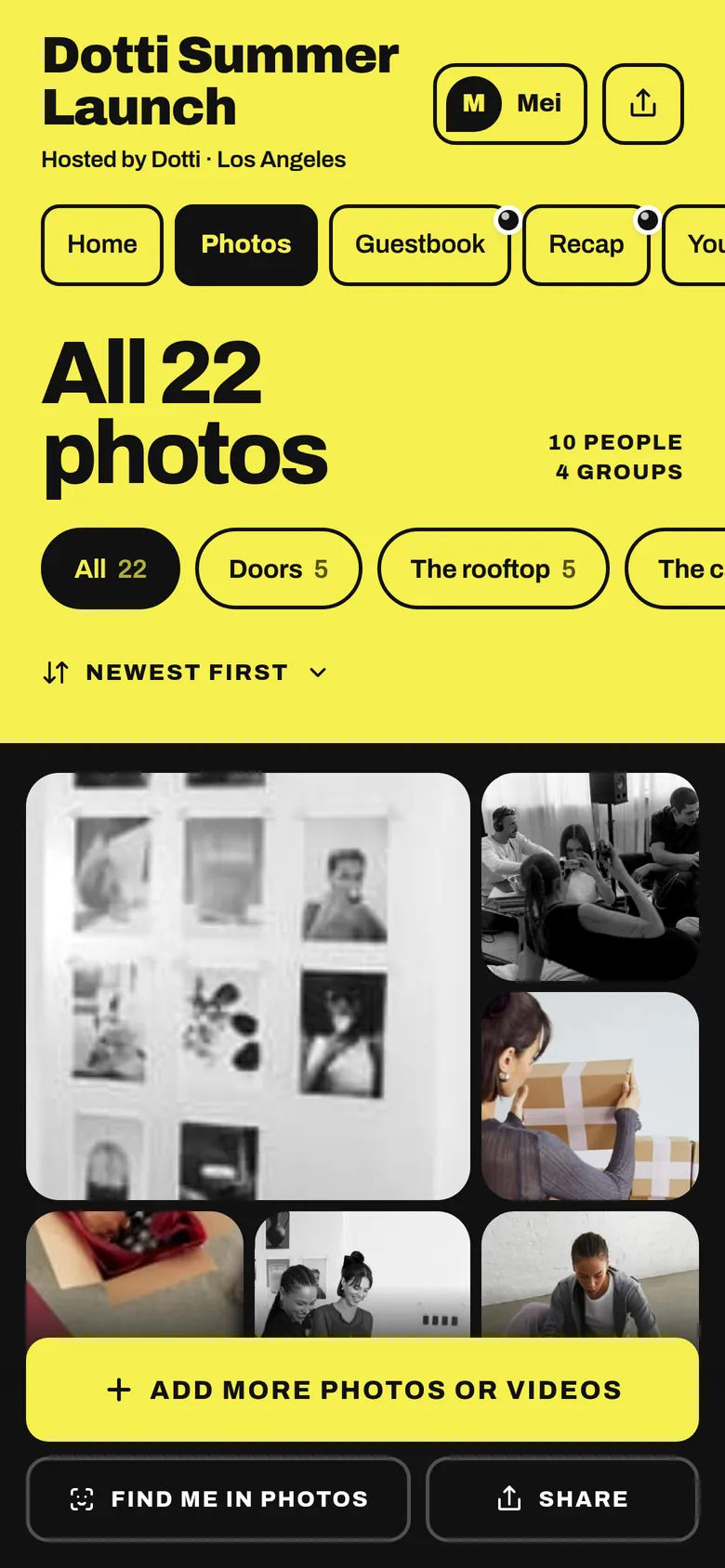
The album’s Photos tab: all 22 photos, filed in groups
Guests add clips from their camera roll into the same album as photos.
2Step 2 of 5

Give guests three shots to get

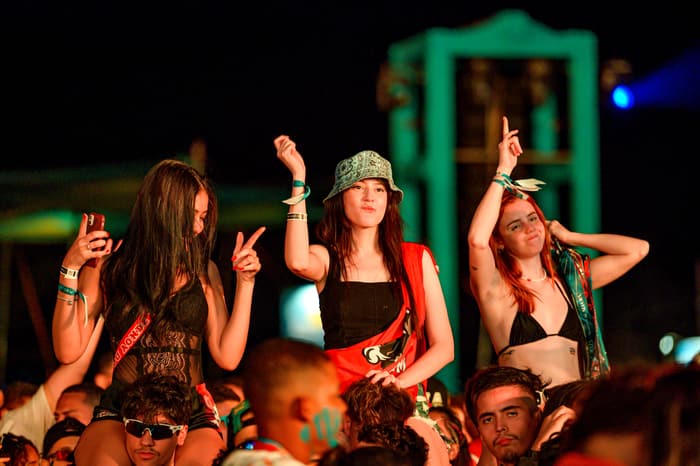
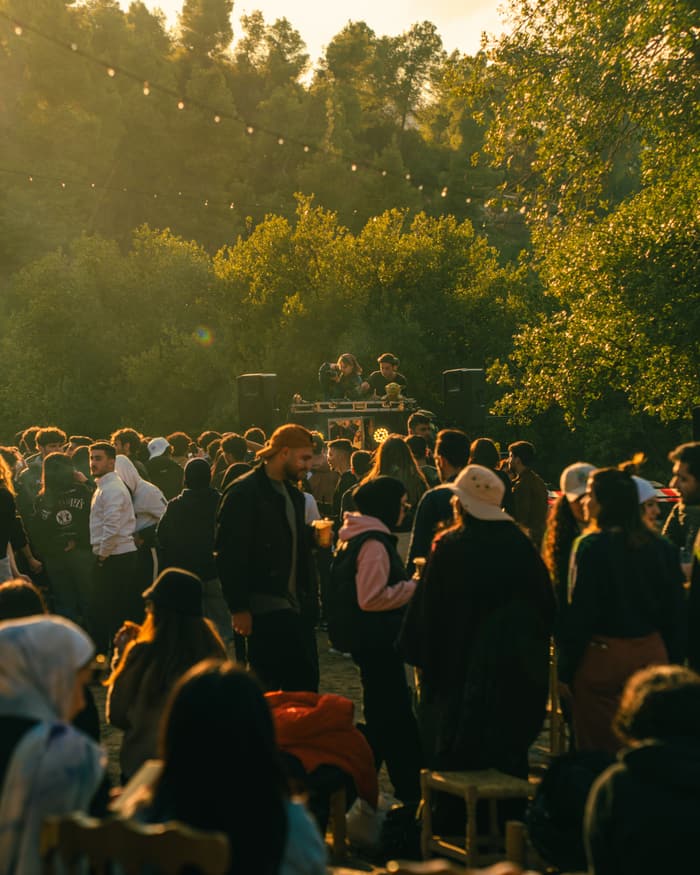
A good reel has a beginning, a peak and an ending. Ask for arrivals, the big moment and the goodbyes.

Add a prompt in the album for each one, like "your first look inside" or "the last dance". Specific prompts get clips you can use.

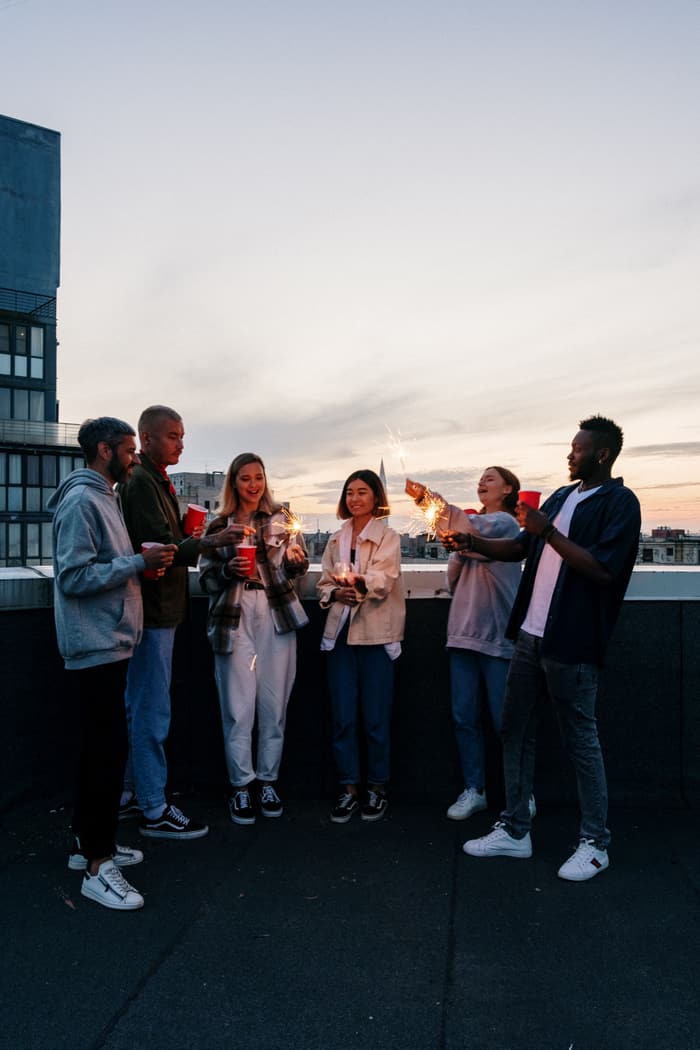
A group toasting on a rooftop at duskThe beginningThree guests dancing at the front of a festival stageThe peakA crowd gathered under trees at golden hourThe ending
Three shots to ask for.
3Step 3 of 5

Watch every clip once and mark ten

The morning after, watch every clip once at speed and mark the ten moments that made you feel something. Look for the same moment from two angles, because cutting between them feels like a real production.

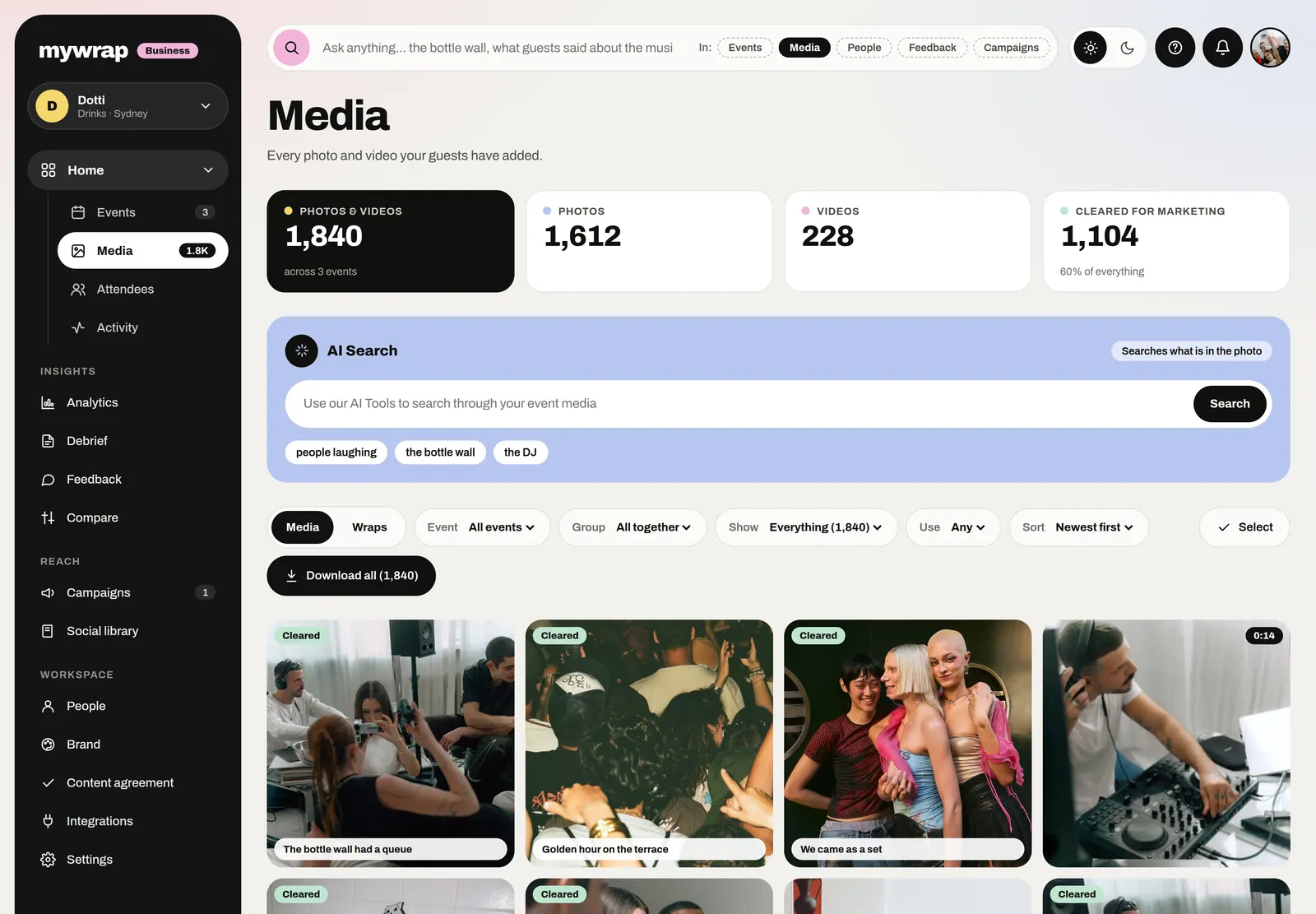
Before anything goes in the reel, check its usage rights in your workspace's media library. A clip from someone who didn't agree to marketing use stays in the album.

The Media library: every photo and video from the brand’s events, each marked with its rights
Every clip and photo in one library, filed by event.
4Step 4 of 5

Cut a reel people finish

Open the reel on the peak moment. You've got about two seconds before a thumb scrolls past, so lead with the cheer or the confetti.

Keep each cut to a second or two and end on a calm shot with the event name. Use one music track, or keep the crowd sound from your best clip.

5Step 5 of 5

Start from the recap, then share it back

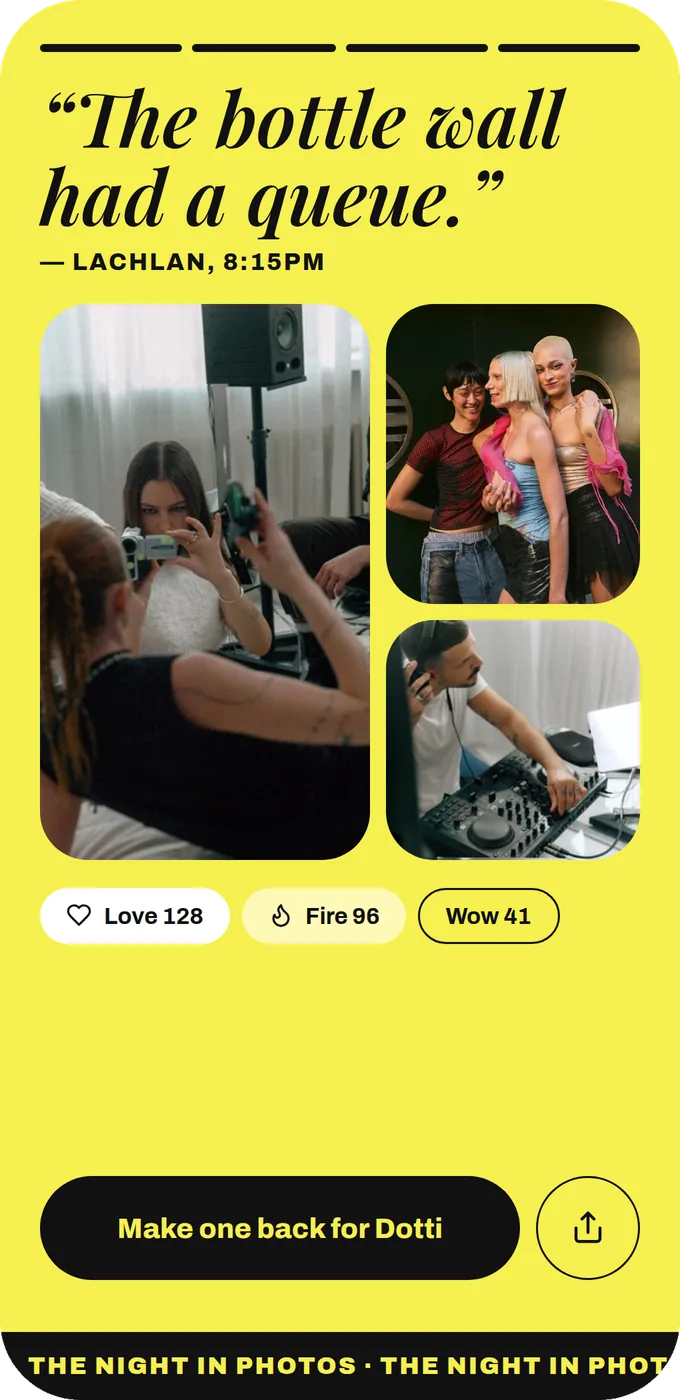
No editor on the team? Your brand's recap of the whole album exports as a video. Post it as it is, or use it as your first draft.

Then share the reel with the people who filmed it. Every guest who added clips gets their own recap too, so their friends see the event as well.

A slide from the event’s recap: a guest quote with three photos from the album
The brand’s recap of the whole event, a ready first cut.

Your take

Three quick ones. Tap an answer to see how everyone else replied. We read every answer, it shapes what we build next.

1 of 3

Who makes your event highlight videos right now?

2 of 3

How long are your highlight videos, honestly?

3 of 3

What slows your highlight video down the most?

What you wish this guide covered, what drives you mad about event photos, anything. Read by the people building MyWrap.

Steal this

Ready lines for the sign, the album prompt and the reel caption.

For the sign or the mic

“Phones ready! Confetti at 10. Film it (vertical, ten seconds is plenty) and add it to the album with the QR. Best clips make the highlight reel.”

The album prompt

“Film your first look inside. Ten seconds, vertical, as excited as you like.”

For the reel caption

“Shot entirely by our guests. Thank you to everyone who filmed! Find yourself in the full album: [link]”

Fair questions

How long should an event highlight video be?

Fifteen to thirty seconds works for social media. Open on the biggest moment and end calmly with the event name. A longer cut can live on your website.

How do I make an event highlight video without a videographer?

Ask guests for specific short clips, collect them in one shared album, and cut the ten best moments together the next morning. The brand's recap also exports as video if you want a ready first cut.

Can guests upload videos without an app?

Yes. Guests scan a QR or open one link and add videos from their camera roll alongside their photos.

Do I need permission to use guest videos in a highlight reel?

You need to know what each guest agreed to. Check each clip's usage rights before posting, and ask directly for anything like paid ads.

Should event highlight videos be vertical?

For Reels, TikTok or Stories, yes. Ask guests to shoot vertical from the start so you're not cropping every clip.

Next up

See all guides