← All guides2During

Get every guest shooting
(without begging)

4 min readUses Content captureLead capture

The short version

  1. 1Put the album QR code where guests stand and wait. People scan in the queue, at coat check and at the bar. At the door they’re too busy saying hello.
  2. 2Invite guests to come and find photos of themselves. “Come find your photos” gets more people in than “share your photos”. Guests add their own once they’re in.
  3. 3Add your own photos to the album before guests arrive. Your photographer’s shots give every guest something to look for.
  4. 4Announce the album once during the event, with a reason to look now. The next morning, send guests one message saying their photos are up.
  5. 5See who came in your workspace. Every guest joins the album with a name, and your workspace shows who opted in to hear from you.

Five moves, in order

1Step 1 of 5

Put the QR code where people wait

People scan when they’re stuck waiting: the bar queue, coat check, the line for the bathroom (yes, really). The entrance is the worst spot, because everyone’s busy finding their friends.

Walk the venue before doors open and find where people stand still. Print the QR bigger than feels reasonable. A postcard size works from across the bar.
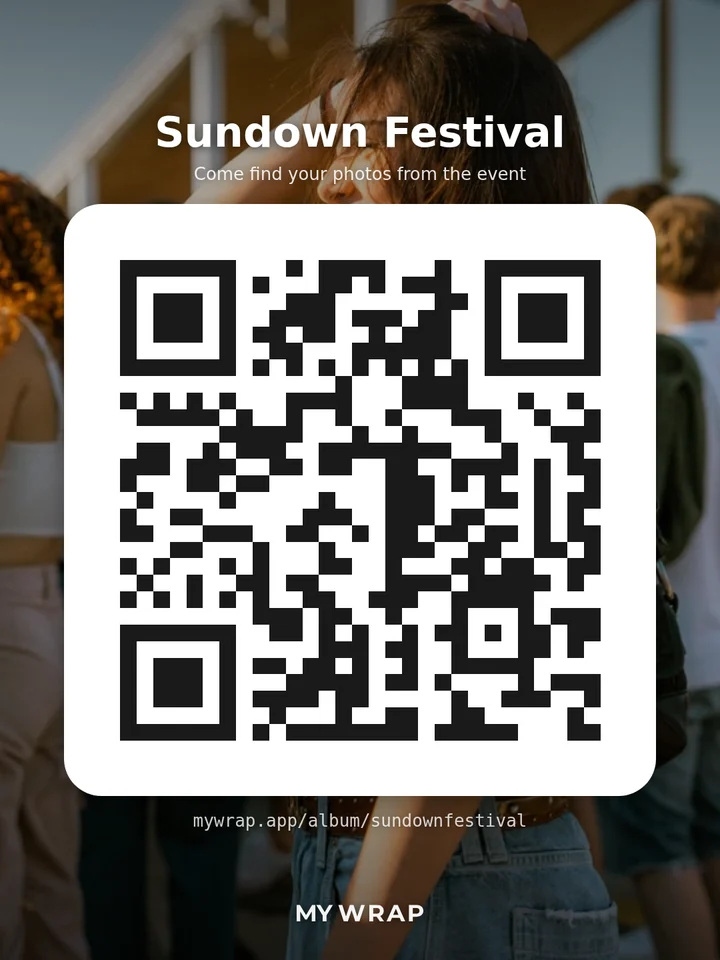
A QR poster for the Sundown Festival album: the cover photo behind a large QR code, with Come find your photos from the event
A QR poster for the album, big enough to scan from the queue.
2Step 2 of 5

Tell them their photos are waiting

“Share your photos” asks for something. “Come find your photos from the event” offers something. Everyone wants the shots they’re in, and those are always on someone else’s phone.

Put that line on the sign and in the album description, and say it out loud. Tell guests about Find me in the You tab, which looks for them on their own phone. It takes about 20 seconds and needs no app. Once they’re in, adding their own photos is an easy next step.

One asks for photos. The other says theirs are waiting.
3Step 3 of 5

Fill the album with your own photos first

Nobody opens an empty album. Before doors open, add a few of your own: the setup, the team, the venue.

Brief your photographer to shoot guests, not only the brand moments, and add their shots in batches as the event goes. Your team can do the same on their phones. Every guest in a photo is one more reason to open the album.

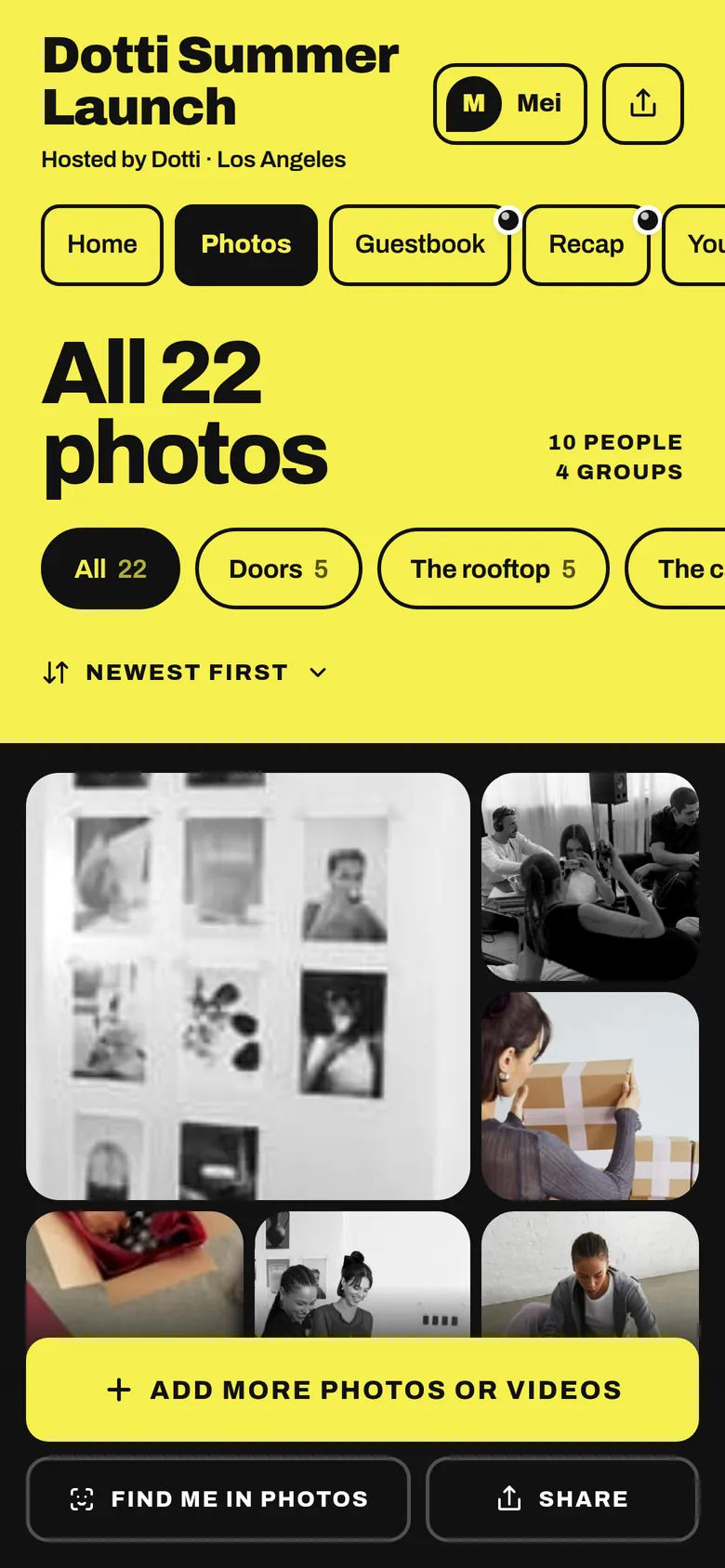
The album’s Photos tab: all 22 photos, filed in groups
Photos already in the album give every guest something to find.
4Step 4 of 5

Call it out once, mid-event, with a reason

Your signs do the quiet work, and one announcement does the loud part. Pick a moment when everyone’s already looking your way, like after the speech or when the cake comes out.

Give them a reason to look now: the first photos are up, come find yourself. A live poll or a raffle for anyone who adds a photo works too. If the album has a sign up card, this is when most sign ups come in.

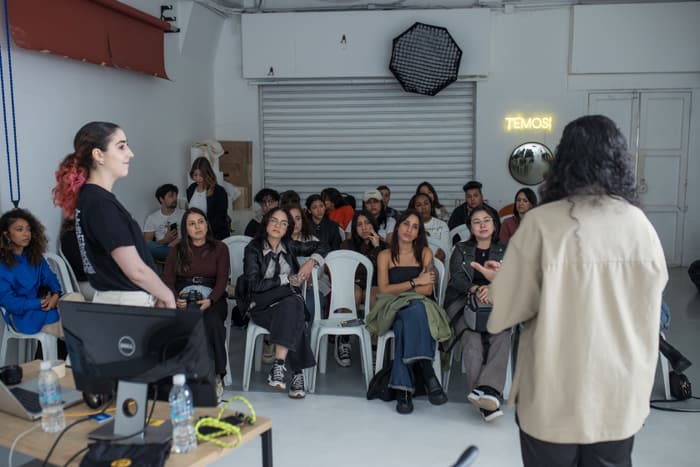
A full studio session listening to the host
One call out, while everyone is already looking up.
5Step 5 of 5

Close the loop the next morning

The next morning is when people want to see how they looked, and when they find more photos in their camera roll. Send one short message before 11am: “Your photos from yesterday are up. Come find yourself.”

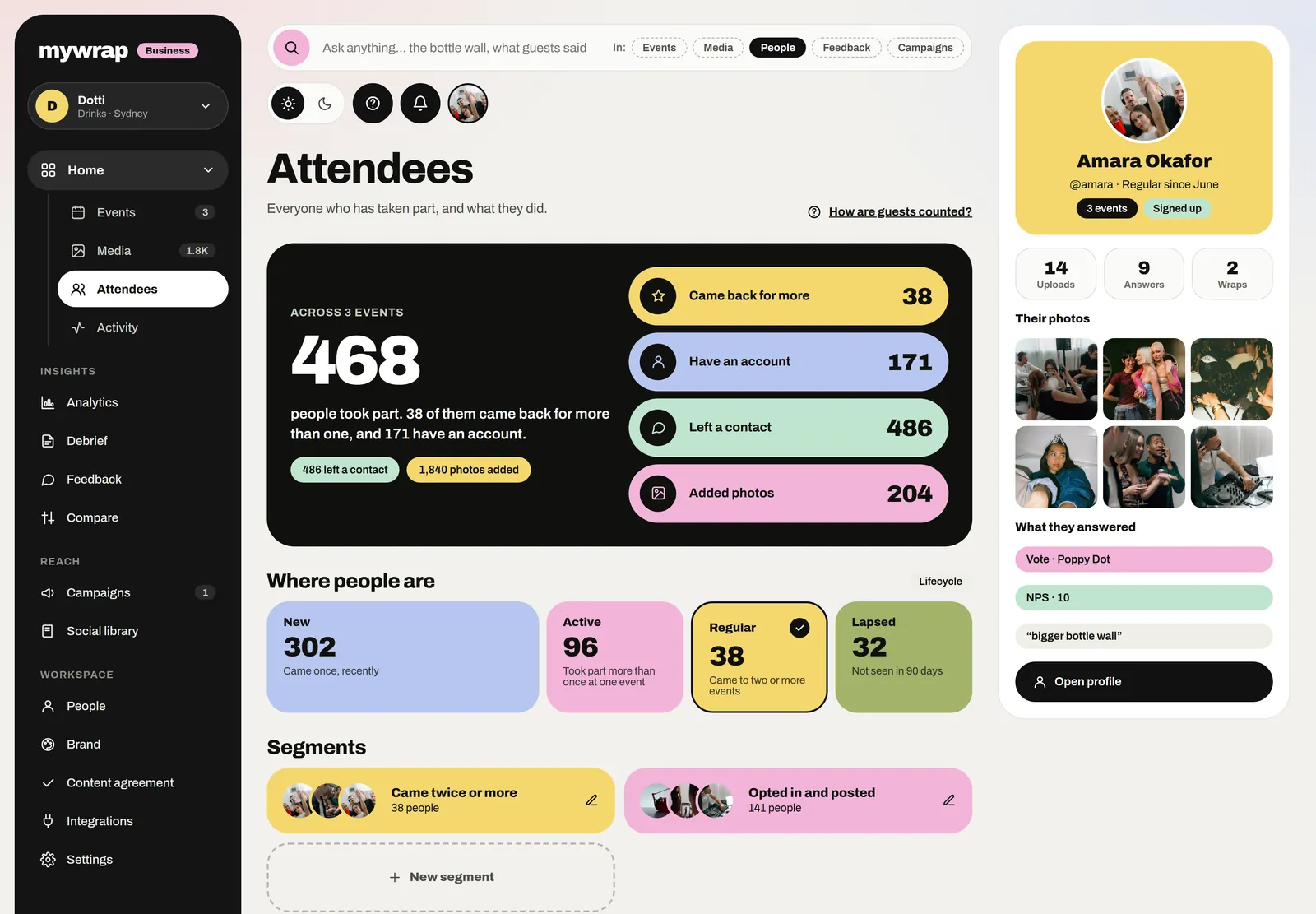
Then open your workspace. It lists every guest who joined by name, who opted in to hear from you and how they answered your questions. All of it goes straight into the debrief.

The Attendees page: everyone who took part, who came back and who signed up
The next morning: everyone who came to find their photos, and who signed up.

Your take

Three quick ones. Tap an answer to see how everyone else replied. We read every answer, it shapes what we build next.

1 of 3

Where does your photo QR usually end up?

2 of 3

How many guests add photos at your events?

3 of 3

What stops guests adding photos?

What you wish this guide covered, what drives you mad about event photos, anything. Read by the people building MyWrap.

Steal this

Four lines to start from. Swap in your own link.

For the QR sign

“Come find your photos from the event. Our photographer’s shots are already in. No app needed.”

For the album description

“Our photographer is here all event, and every shot lands in this album. Come find yours, and add the ones you took.”

For the mid-event shout

“Quick one! The first photos are in the album. Scan any QR by the bar to find yours and add a couple of your own. Okay, back to the party.”

For the next-morning text

“Morning! Thanks for coming. Your photos from yesterday are up: [link]. Come find yourself.”

Fair questions

Do guests need to download anything?

No. They scan, the album opens in their browser, and they add photos from their camera roll.

What if nobody adds anything in the first hour?

That’s normal. Early on people are saying hello. Uploads pick up after the first big moment, so check your signs and make sure the photographer’s first batch is in.

Isn’t asking for emails a bit much?

Not when it’s optional. A sign up card sits inside the album, written in your own words. When a guest first saves a photo, an unticked box offers to share their email with you, and the download goes ahead either way.

How many QR signs do I need?

One for every spot where people stand still, plus one per table if guests are seated. For about 150 guests, three to five signs usually does it.

How often can I send the link?

Twice: once before the event and once the morning after. The signs and one call out cover the event itself.

What does the brand get out of it?

The brand gets a record of who came. Every guest joins with a name, and the workspace keeps who opted in and what they answered. The debrief and the social library come from the same album.

Next up

See all guides