← All guides1Before

Pick an event photo app
you won't regret

4 min readUses Content capture

The short version

  1. 1Test it as a guest, on a stranger's phone. If guests need to download an app or make an account, most of them stop there.
  2. 2Ask who owns the photos before you compare features. You'll want a record of what each guest agreed to, photo by photo.
  3. 3Judge the app by what you have the morning after. Every photo filed with its rights matters more than a slick demo.

Five tests before you commit

1Step 1 of 5

Try it as a guest first

Every app looks great from the organiser's side. What matters is the guest at 9pm with a drink in one hand and 4% battery.

Borrow a phone from someone who's never seen the tool, scan the code and count the taps to the first photo. You want it opening in the browser, photos straight from the camera roll, no account, in about 20 seconds.

The Dotti Summer Launch album open in the browser, with one button to add photos or videos
The bar to clear: scan, the album opens, add photos. No app.
2Step 2 of 5

Make sure the QR code scans in real life

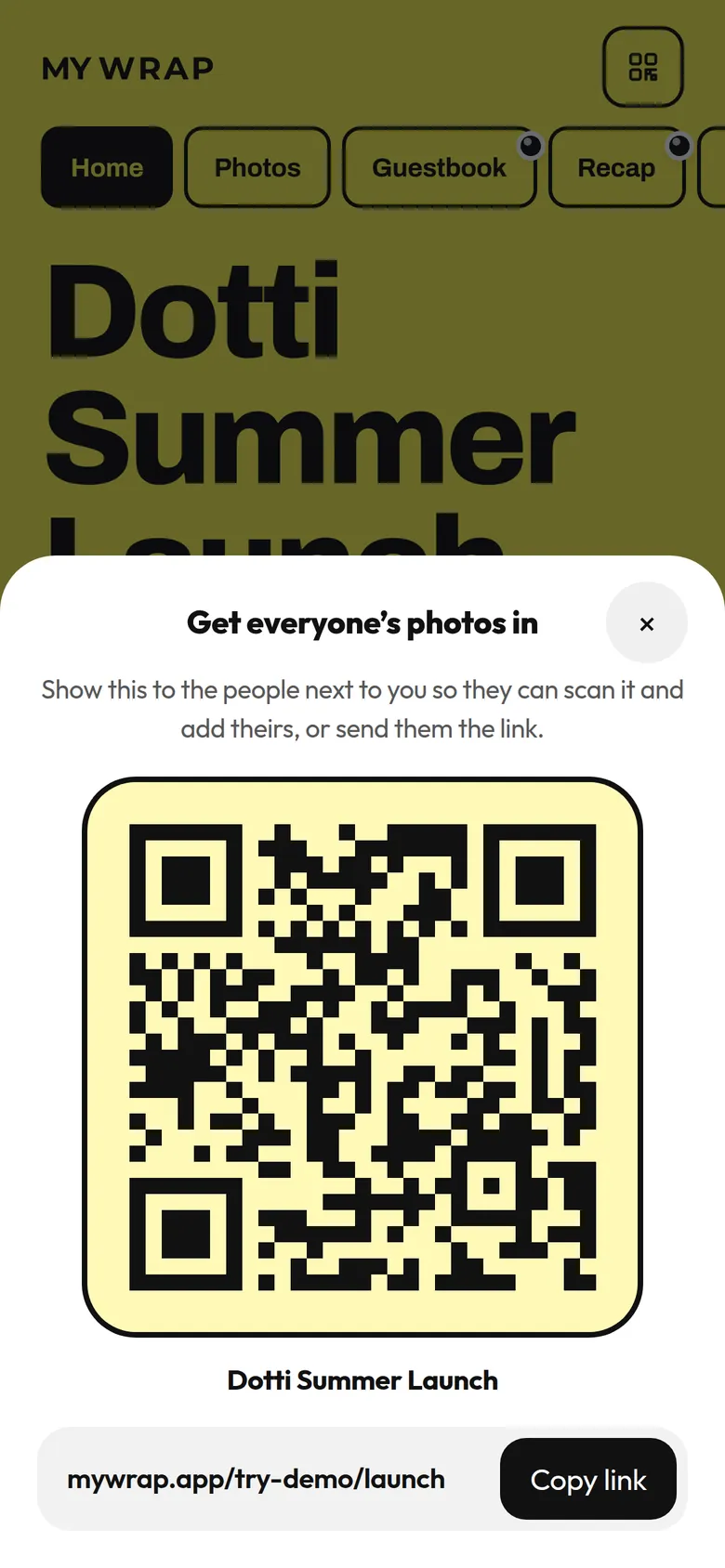
Print the code at its real size, tape it up somewhere dim and scan it from two metres away. Check there's a short link to print underneath for the phone that won't focus.

One code should open one album, so you're not juggling a code per table. Ask what happens if someone posts the code online, too. That's fine for a public launch and less fine for a private party.

The album’s QR sheet, with the code, the album name and a link to copy
3Step 3 of 5

Check that videos get in too

Lots of the best moments are ten second clips, like the toast or the confetti. An app that only takes photos misses them.

Upload a clip during your test. See how long it takes, whether it lands next to the photos and whether the guest is told it worked. If videos need a separate link, guests won't bother.

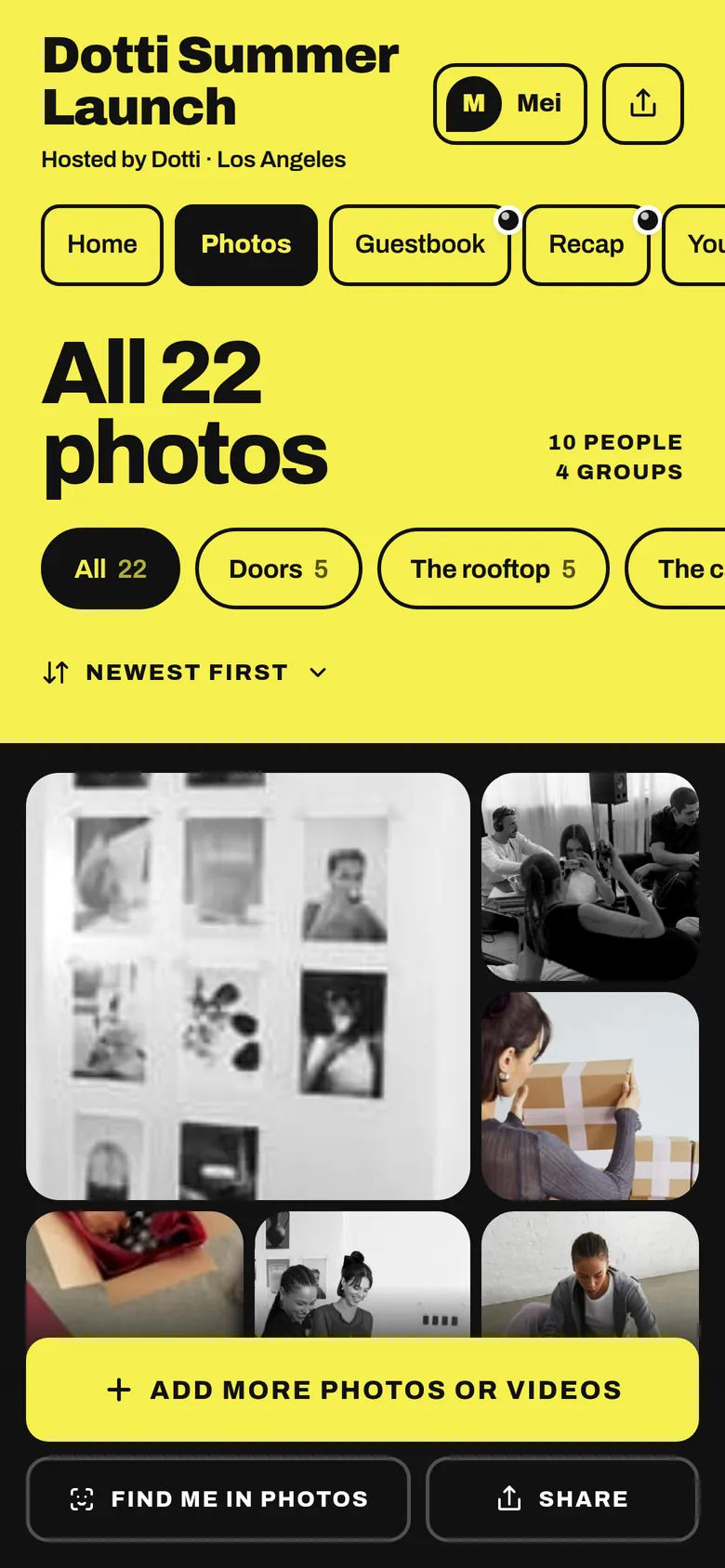
The album’s Photos tab: all 22 photos, filed in groups
4Step 4 of 5

Read the rights part before you fall in love

Guests own the photos they take unless they agree to something else. If you want to post them or show them to a client, you need a record of what each person agreed to.

Look for your own terms shown before the first upload, a saved copy of the exact wording each guest agreed to, and a record on every photo. Marketing consent should be its own clear yes, kept apart from the upload button.

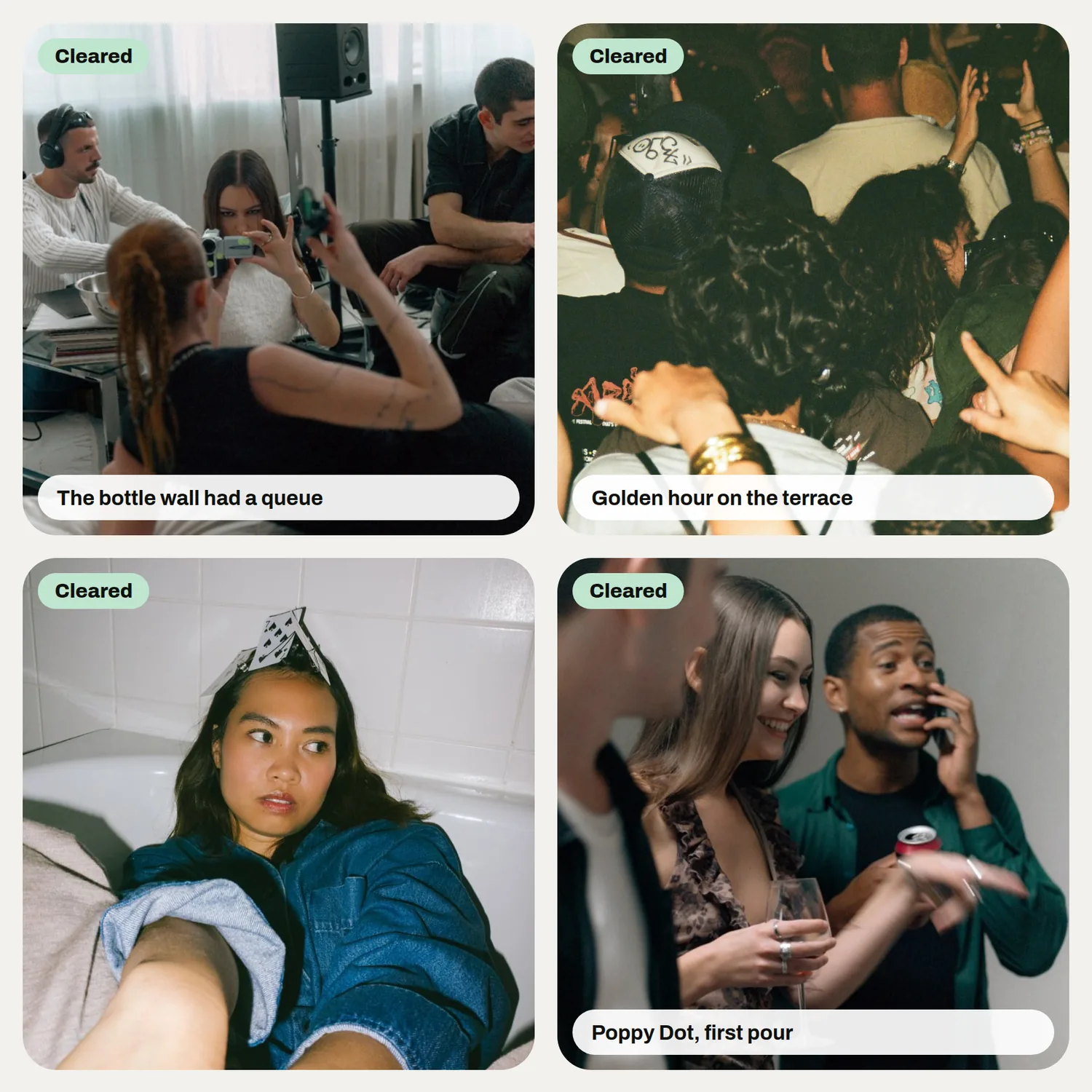
Four photos in the library, each tagged as cleared for marketing
The morning after: everything filed, with consent attached.
5Step 5 of 5

Judge it by what you've got the morning after

Once it's over, you want every photo and clip filed under the event with its rights attached, plus a list of guests who said yes to hearing from you. Guests also need a reason to come back, and finding photos of themselves is a good one.

With MyWrap, guests open one link and add photos and videos with no app. Find me in the You tab gathers each guest's photos on their own phone, and the media library files everything by event with usage rights. Hold every tool to the same five tests, ours included.

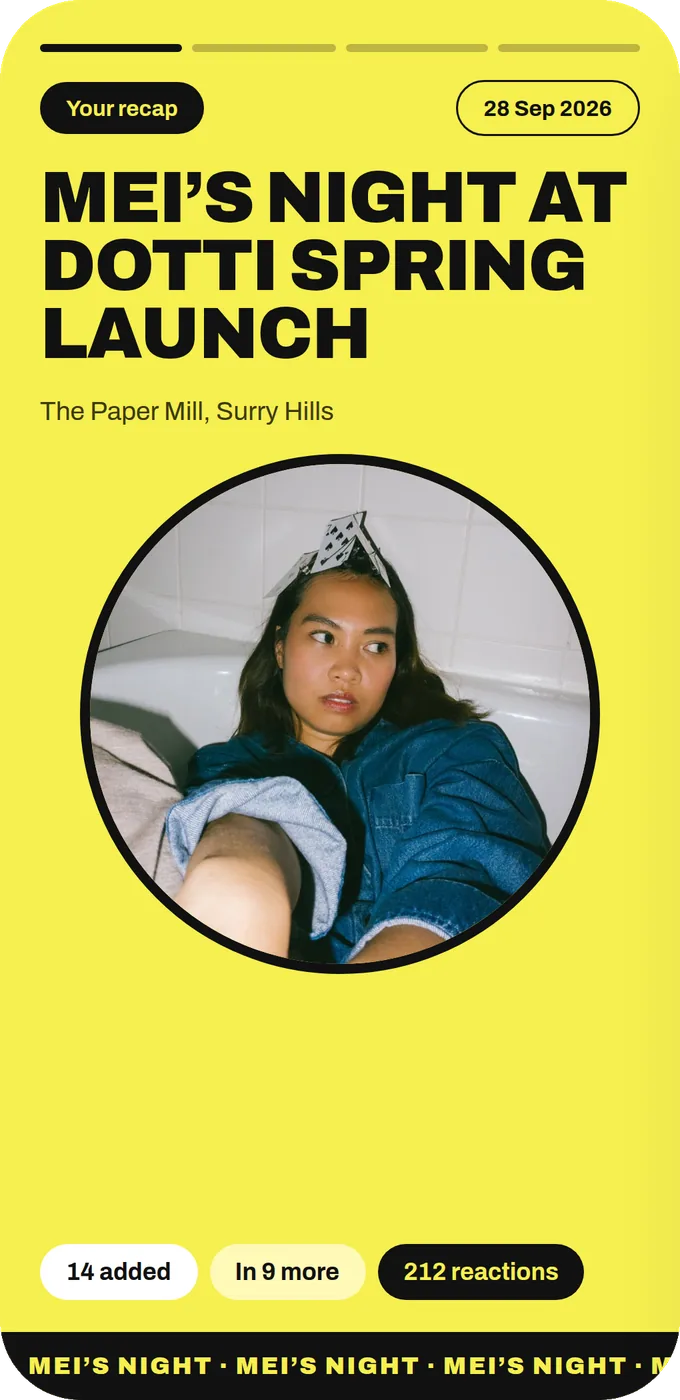
The first slide of Mei’s personal recap, in the event’s Headline look
A nice extra for contributors: their own recap of the event.

Your take

Three quick ones. Tap an answer to see how everyone else replied. We read every answer, it shapes what we build next.

1 of 3

How do guests share photos at your events now?

2 of 3

What's your biggest dealbreaker in an event photo app?

3 of 3

What do you most want the morning after an event?

What you wish this guide covered, what drives you mad about event photos, anything. Read by the people building MyWrap.

Steal this

Two things to copy: a scorecard and the questions to ask any vendor.

The five test scorecard

“Event photo app scorecard (1 to 5 each): 1. Scan to first upload in about 20 seconds, no app or account. 2. QR scans from two metres in dim light, with a short link as backup. 3. Videos go in the same album as photos. 4. Our terms shown before the first upload, a record per photo, and a separate marketing yes. 5. Next morning everything is filed by event with rights attached, and guests can find their own photos.”

Questions for any vendor

“Before we decide, could you show us what a guest sees from scan to first upload, how videos work, what a photo's consent record looks like and what we can access the day after?”

Fair questions

What is the best event photo sharing app?

One your guests can use in about 20 seconds with nothing to download, that takes videos too and keeps a consent record for each photo. Try it on a stranger's phone before you decide.

Do guests need to download an app to share event photos?

They shouldn't. Every download or sign up screen costs you guests. With MyWrap, they scan or open one link and add from their camera roll, no app and no account.

Can guests upload videos as well as photos?

With MyWrap, yes. Photos and videos go into the same album. Whatever you pick, check it in your own test, because clips are often the best bit.

Who owns the photos guests share at an event?

Usually the guest who took them, unless they agreed to terms that let you use them. That's why a consent record for each photo matters so much.

How does a QR code photo sharing app work?

You print a QR code that opens the album. Guests scan it with their camera, the album opens in the browser and they add photos from their camera roll.

Next up

See all guides