← All guides2During

Run a pop-up
people post about

4 min readUses Content captureRecaps

The short version

  1. 1Build one thing worth photographing. One great photo spot beats a whole set of them.
  2. 2Put the album QR code along the queue. People in line are bored and already holding their phones.
  3. 3Have staff offer to take shoppers’ photos. Asking "Want me to take one of you two?" gets more scans than any sign.

Five moves for a busy pop-up

1Step 1 of 5

Pick one photo moment

A pop-up with ten photo walls has none. Pick one thing people will want in their camera roll, like an oversized product, a wall in your brand colour or the counter where things get engraved.

Shop lighting flatters products more than faces, so add a ring light or a warm lamp. Put the spot where people pass after they’ve bought something, because a shopper with a bag is in a much better mood for a photo.
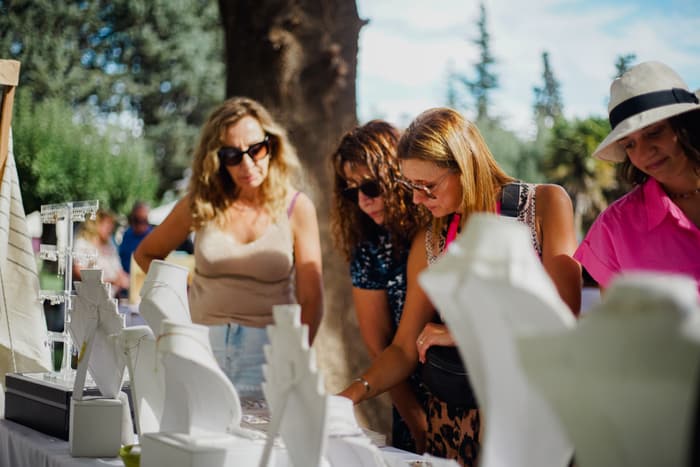
Shoppers browsing a stall at an outdoor market
One photo moment people want in their camera roll.
2Step 2 of 5

Use the queue as content time

A queue is a line of people standing still with phones in hand. Put the album QR along it at eye level, with a question that fits the wait, like "Show us the queue" or "What are you here for?".

Guests add photos and videos from their phone with no app, and you get the excited, waiting shots a photographer never catches. Hand out a sample or a sticker and it’ll turn up in photos too.

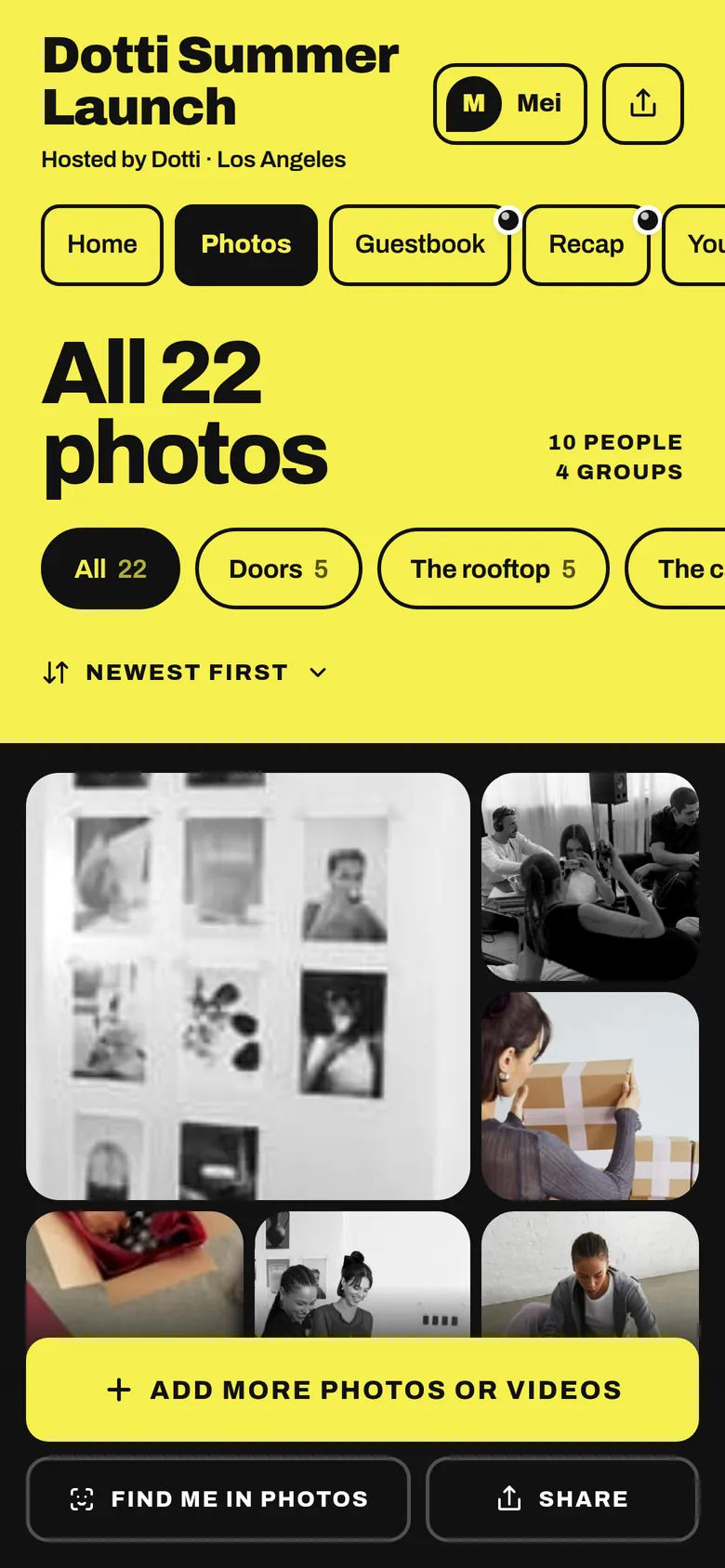
The album’s Photos tab: all 22 photos, filed in groups
Guests scan in the queue and add photos straight from their camera roll.
3Step 3 of 5

Turn staff into photographers

The best line at any pop-up is "Want me to take one of you two?". Take the photo on the guest’s phone, then point to the QR: "Our team takes photos all week, so scan that to find yours."

Brief each shift in under a minute on where the photo spot is and what to say. Have staff add a few of their own shopper shots each day, so everyone who scans has something to find.

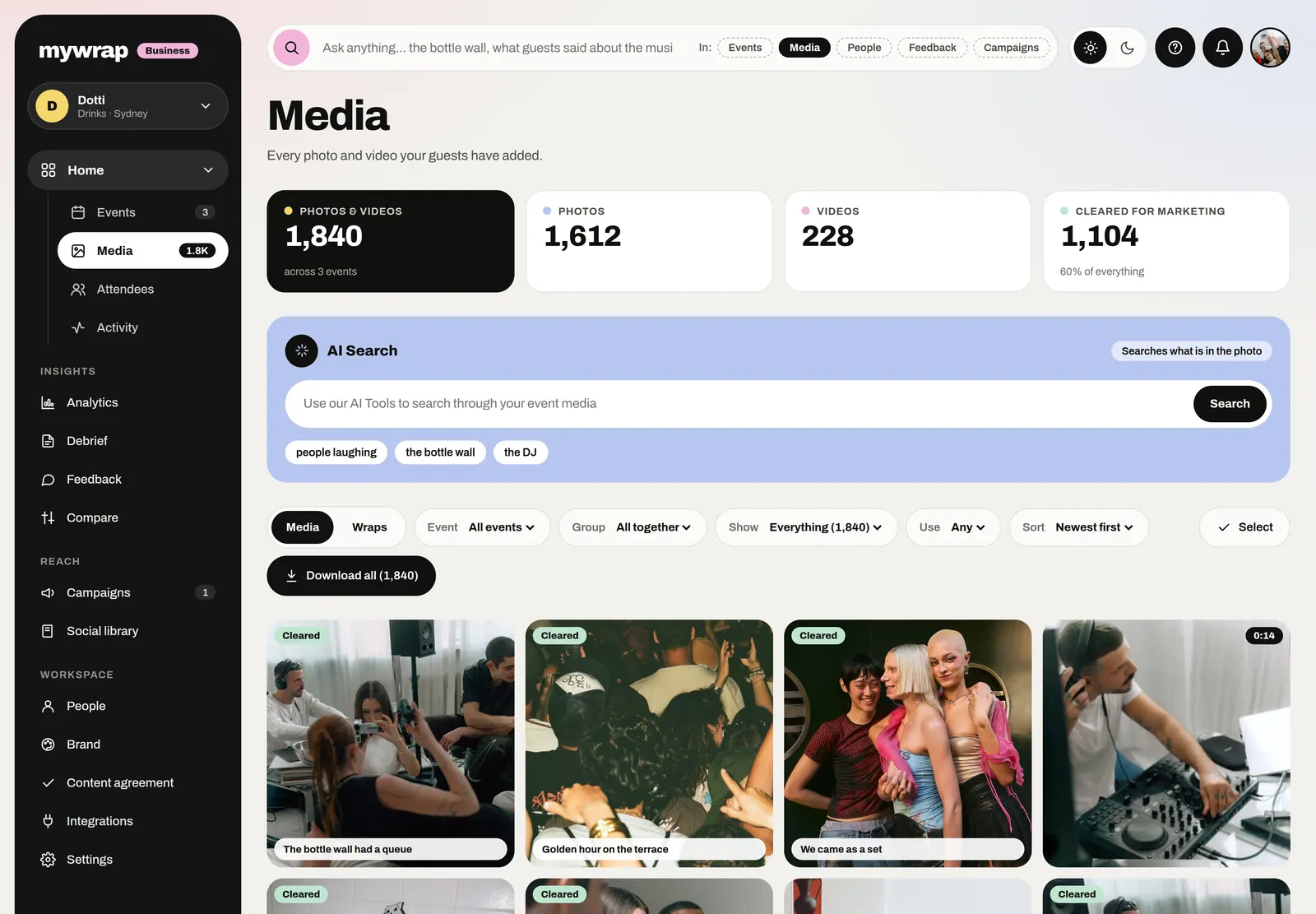
The Media library: every photo and video from the brand’s events, each marked with its rights
Staff and shopper photos land in one library.
4Step 4 of 5

Change the ask every day

A week-long pop-up gets the same photo every day unless you change what the sign asks for. Try "your first pick" on Monday, "bring a friend" on Thursday and "your haul" on the last day.

Give people a reason to come back, like a guest maker on Saturday or a late opening, and put it on the sign. Check the album at lunch, and if the day’s ask is getting no photos, swap it before the afternoon rush.

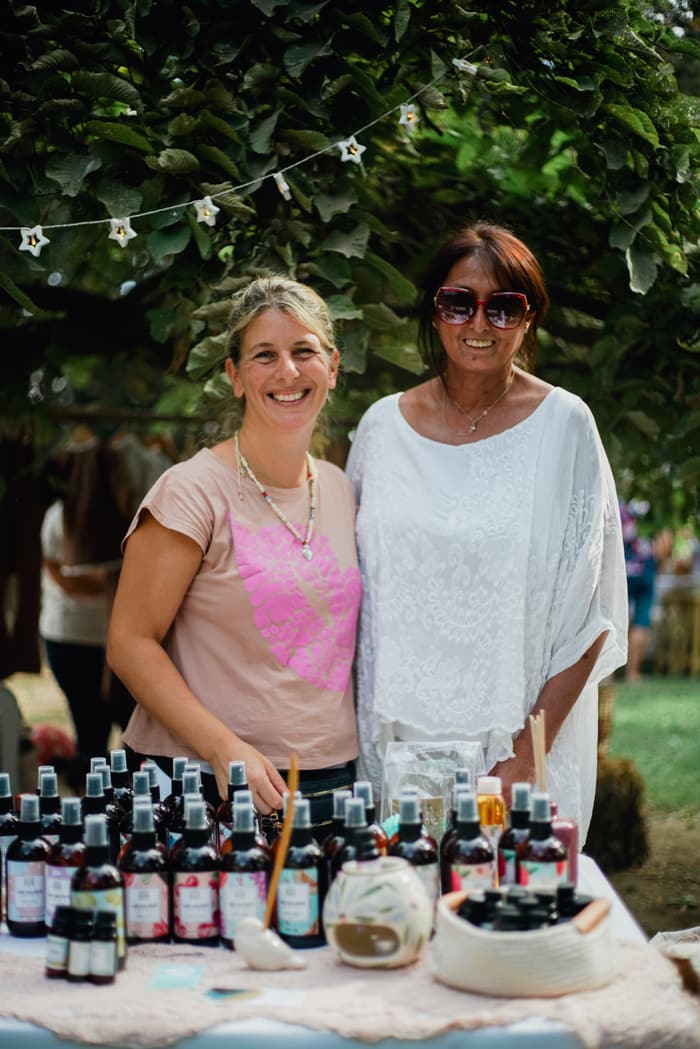
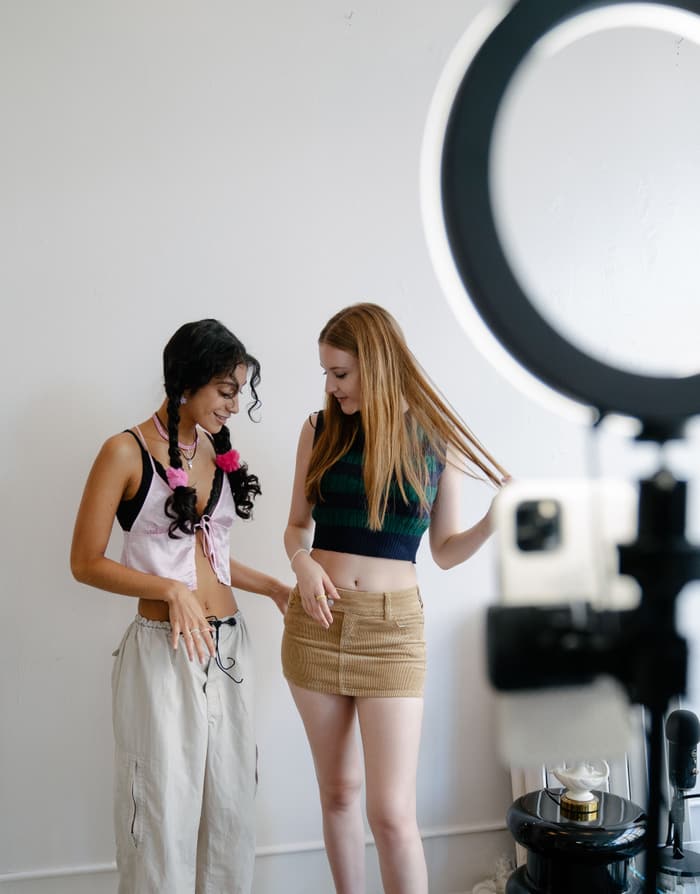
Two makers standing behind their stallDay 1A guest framing a shot on a compact cameraDay 2Two guests getting ready in front of a ring lightDay 3
A new ask each day, a new photo each day.
5Step 5 of 5

Send everyone home with a recap

When the pop-up closes, every shopper who added photos gets their own recap of their visit, and you get a recap of the whole run. Guests share theirs with friends who never made it in.

The morning after closing, send the album link to anyone who opted in: thanks for coming, your photos are up. Then check your workspace to see who came and who opted in.

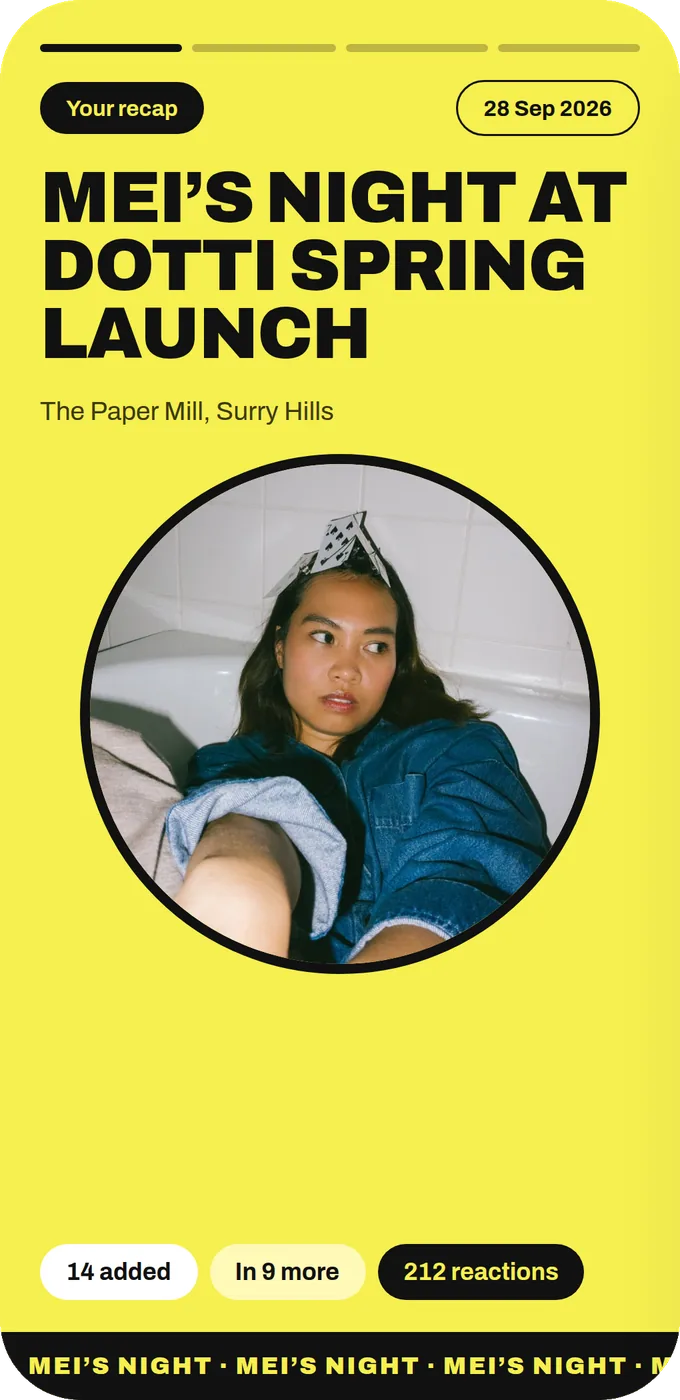
The first slide of Mei’s personal recap, in the event’s Headline look
Each shopper who added photos gets their own recap of the visit.

Your take

Three quick ones. Tap an answer to see how everyone else replied. We read every answer, it shapes what we build next.

1 of 3

How long do your pop-ups usually run?

2 of 3

What gets photographed most at your pop-ups?

3 of 3

What's hardest about getting shoppers to post?

What you wish this guide covered, what drives you mad about event photos, anything. Read by the people building MyWrap.

Steal this

Lines for the queue sign, your staff and a card in each shopping bag.

For the queue sign

“While you wait, show us the queue! Scan to add your photos and find the ones our team takes of you. No app needed.”

The staff line

“Want me to take one of you two? ... There you go. Scan that QR to find the photos our team takes all week, and pop this one in too.”

For the card in the bag

“Thanks for stopping by! Your photos from today are in here. Back on Saturday with [guest maker].”

Fair questions

What are good pop-up shop event ideas?

Build one standout photo spot, give the queue something to do and have staff offer to take photos. On a longer run, change the prompt each day and give people a reason to come back.

How do I get people to post about my pop-up shop?

Make the photo easy and worth taking. Good light on one great spot helps, and a QR to a shared album lets people who never post join in too.

How do I collect customer photos from a pop-up?

Put a QR to a shared album along the queue and by the counter. Shoppers add photos and videos from their phone without an app.

Should staff take photos of customers?

Yes, on the customer’s phone when they’d like one. Shoppers love it. Then point them to the album QR.

Next up

See all guides