← All guides1Before

Make a QR sign
worth scanning

3 min readUses Content capture

The short version

  1. 1Write the sign's headline first. In about six words, tell guests what happens when they scan and what they get.
  2. 2Size the code for the scanning distance. Print it bigger than feels tasteful, with a white border around the code.
  3. 3Test the sign in the venue's real light. Dim bars and shiny laminate break more codes than bad design.

Five fixes, one good sign

1Step 1 of 5

Write the words before you design

Nobody scans a mystery square at a party. It could be a menu or a phishing link, so the words around the code do the persuading.

Say what happens when guests scan and what they get. “Come find your photos from the event” does both. Aim for about six words, plus one short line underneath.

The same code. One sign says what happens and what you get.
2Step 2 of 5

Size your QR sign by distance

A handy rule: make the code about a tenth as wide as the scanning distance. From a metre away that's around 10cm. From across a bar, go bigger.

Leave a white border around the code, a few of its little squares wide. Phones need it to find the code, so don't let anyone crop it. Table tents can be small, wall signs can't.

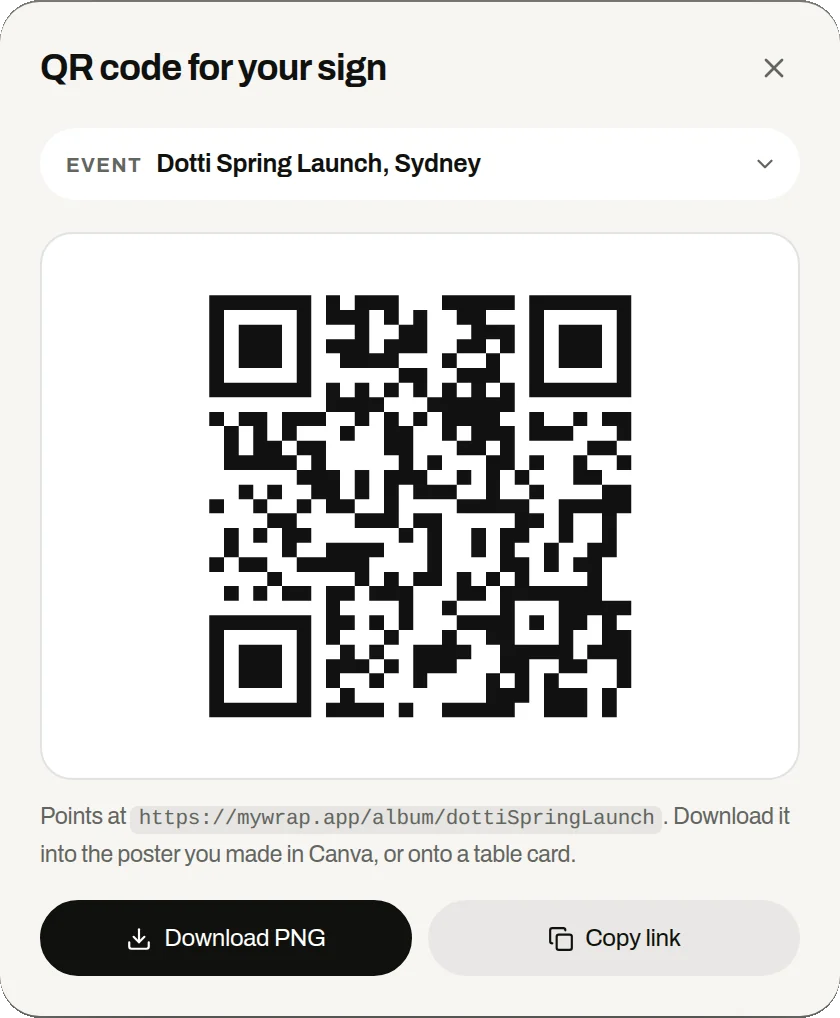
The QR code for your sign sheet in the workspace, with Download PNG and Copy link
The code downloads as a PNG, ready to place on your sign.
3Step 3 of 5

Print a dark code on a light background

Phones want contrast. Put brand colours on the frame and headline, and keep the code dark on light. A pale pink code on a lilac card looks lovely, and phones can't read it.

Skip glossy laminate, because under spotlights the shine bounces off the code. Want a logo inside the code? Test it on several phones first.

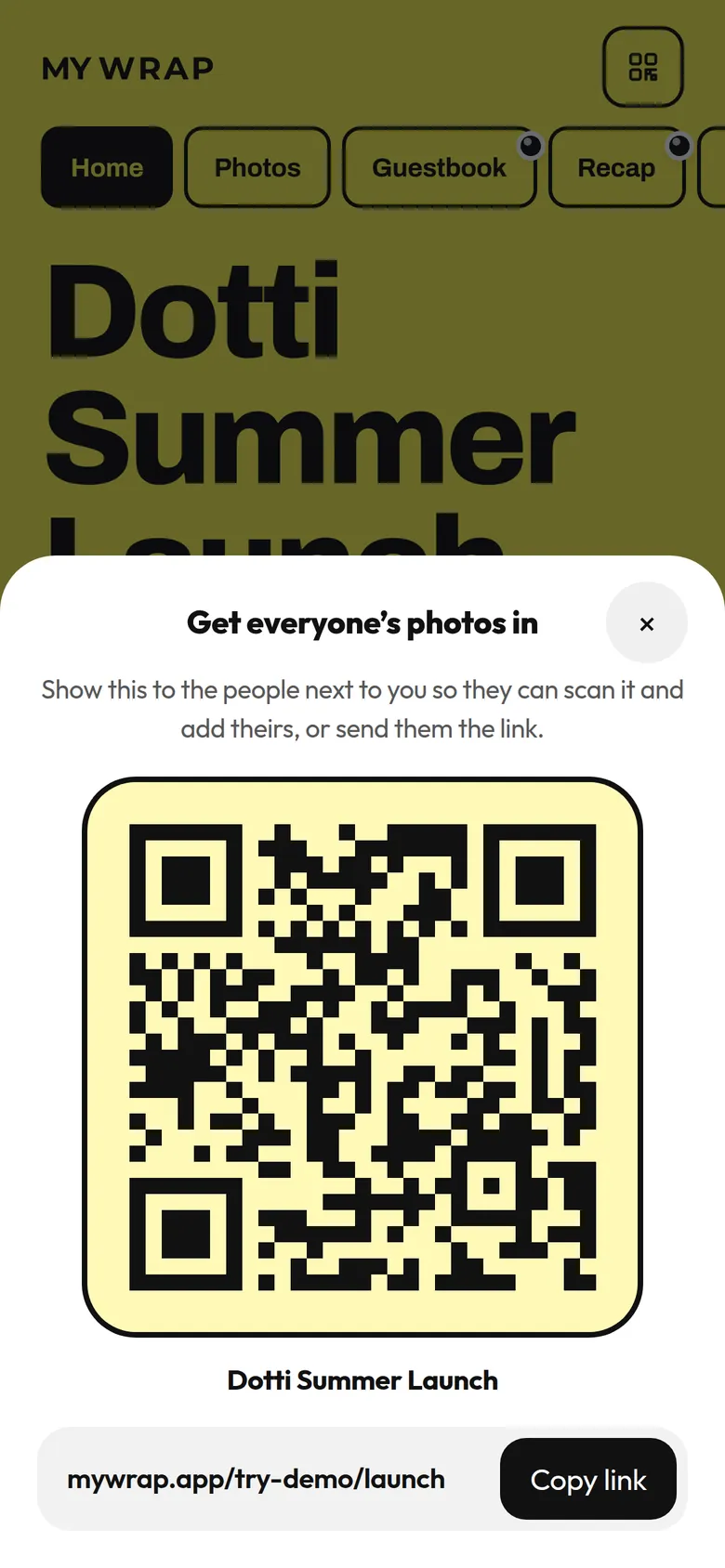
The album’s QR sheet, with the code, the album name and a link to copy
The QR code from the album’s share sheet, dark on pale yellow
Dark on light scans. Pale on pastel makes phones hesitate.
4Step 4 of 5

Say “no app” right under the code

The first worry in front of any QR is “what am I about to download?” Answer it on the sign: no app, no account. With MyWrap that's true, since the album opens in the browser and guests add photos straight from their camera roll.

Add a short link under the code too, for anyone whose camera won't cooperate. It looks old fashioned and it rescues lots of guests.

The Dotti Summer Launch album open in the browser, with one button to add photos or videos
Where the scan lands: the album, open in the browser.
5Step 5 of 5

Test it like a guest, in the venue

Go in once the lights are set for the event. Scan every sign from where a guest would stand, at an angle, on a few different phones. If one fails, move it to better light.

Last, check that the code opens the right album. Reusing last year's sign file is the classic mistake.

Guests talking on a rooftop under string lightsA crowd watching a band in a small venue
Test from where a guest stands, in the event’s own light.

Your take

Three quick ones. Tap an answer to see how everyone else replied. We read every answer, it shapes what we build next.

1 of 3

Who designs the QR signs for your events?

2 of 3

Do you test your QR signs in the venue before guests arrive?

3 of 3

What has gone wrong with a QR sign at your events?

What you wish this guide covered, what drives you mad about event photos, anything. Read by the people building MyWrap.

Steal this

Sign copy for three sizes. Swap in your link and event name.

Main sign (A3 or bigger)

“Come find your photos from the event. Point your camera here. No app, about 20 seconds. Can’t scan? Go to [short link]”

Table tent

“Your photos from the event are in here. Scan to find yours and add the good ones you took. No app.”

For staff when a guest asks what it is

“It’s the event album. Our photographer’s shots are in there, so scan to find yours and add any you took. Nothing to download.”

Fair questions

What should a QR code sign for events say?

Say what happens when guests scan and what they get, in about six words, plus a line saying no app is needed. For example: “Come find your photos from the event. No app.”

How big should a QR code be on an event sign?

Make it about a tenth as wide as the scanning distance, so roughly 10cm wide from a metre away. Leave a white border and test a full size print.

Why won’t my QR code scan at the venue?

The usual causes are low contrast, glare from glossy laminate, a cropped border or dim light. Use a dark code on matte paper and test it in event lighting.

Can I put my logo in the middle of a QR code?

Sometimes, but test it on several phones first. A plain code with your branding around it is safer.

Do guests need an app to scan the QR?

No. Their camera reads the code and the album opens in the browser, with no app and no account.

Next up

See all guides